Exporting Data |
|
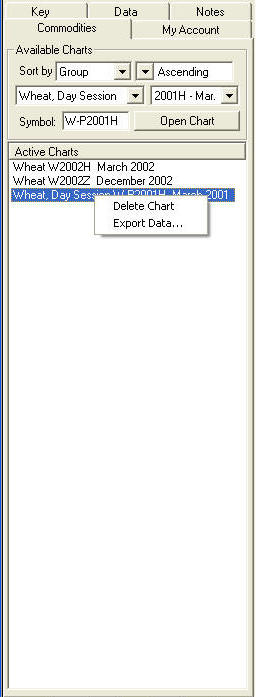
The Commodities Window displays all of the charts that are open in a Book under the Active Charts Section. |
|
To export data: Right click on a chart and select "Export Data" from the menu. This will open a second screen asking for the location and name of the file. The default name of the file is Exported Data. To Print Data: After you have saved the data to the spreadsheet, double-click the file and it will open with your default spreadsheet program (i.e. Excel or Quattro Pro). Use the print features of the spreadsheet program to print the data. The export capability is only available to subscribers of the Expanded
Data Subscription service. For more information or to subscribe, visit us
at: Http://www.GeckoSoftware.com or call us at 800.862.7193. |